Batch Convert Images to PDF - Multiple Photos at Once

Stop converting images one at a time. PixelPDF lets you batch convert up to 50 photos into a professional PDF document in under 2 seconds. Free, private, and built for power users who value efficiency.

Download Free for iOS

★★★★★ 4.8/5 (2,847 reviews)
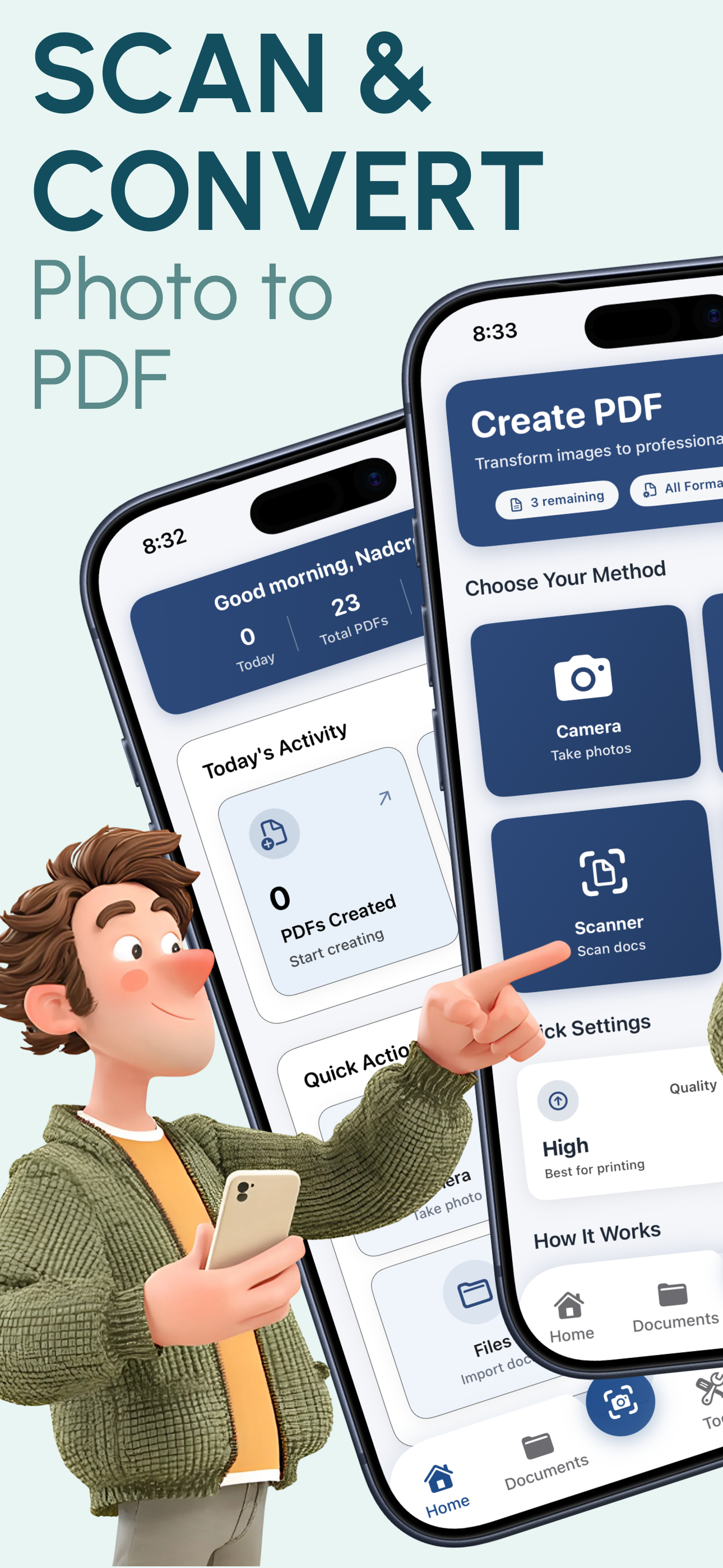
PixelPDF batch converting multiple images to PDF

Powerful Batch Conversion Features

PixelPDF's batch processing is designed for efficiency. Convert entire photo collections to PDF without the tedious one-by-one approach.

50-Image Batch Processing

Select up to 50 images from your photo library in one go. Each image becomes a page in your final PDF document. No daily limits on how many batches you can run.

Drag-and-Drop Reordering

Arrange your images in exactly the right order before converting. Intuitive drag-and-drop lets you move pages around with a simple touch and hold gesture.

Mixed Format Support

Combine JPG, PNG, HEIC, TIFF, WebP, and more in the same batch. PixelPDF seamlessly handles different formats and produces a consistent, unified PDF output.

Consistent Quality Across Batch

Your chosen quality setting (Low, Medium, High, or Original) is applied uniformly to every image in the batch. No degradation, no surprises - consistent results every time.

Progress Tracking

Watch your batch conversion in real-time with a visual progress indicator. Know exactly how many images have been processed and when your PDF will be ready.

One-Tap Batch Export

Once your batch PDF is created, share it instantly via email, AirDrop, Messages, or save to cloud storage. One tap exports your entire multi-page document anywhere.

How Batch Conversion Works

Convert multiple images to PDF in 3 efficient steps

1

Select Multiple Images

Open PixelPDF and tap the '+' button. Select up to 50 images from your photo library at once. You can pick from different albums and mix different image formats.

2

Arrange & Configure

Drag and drop to reorder your images into the perfect sequence. Choose your quality level and page size. Preview the order before converting.

3

Batch Convert & Share

Tap convert and all images are processed simultaneously into one professional multi-page PDF. Share via email, AirDrop, or save to Files in one tap.

Perfect For Bulk Conversions

Document Collections

Combine receipts, contracts, or paperwork photos into organized multi-page PDFs for filing and record-keeping.

Photo Albums

Turn vacation photos, event pictures, or family memories into shareable PDF photo albums with perfect page ordering.

Work Portfolios

Compile project photos, design work, or progress images into professional PDF portfolios to share with clients or colleagues.

Study Materials

Batch convert whiteboard photos, textbook pages, or lecture slides into organized PDF study guides for easy review.

Frequently Asked Questions

Start Batch Converting Images to PDF Today

Join 50,000+ power users who save hours with PixelPDF's batch conversion. Select 50 images, tap convert, and get a professional PDF in under 2 seconds. Free, private, no limits.

Download Free for iOS
★★★★★

4.8/5 stars - 2,847 reviews