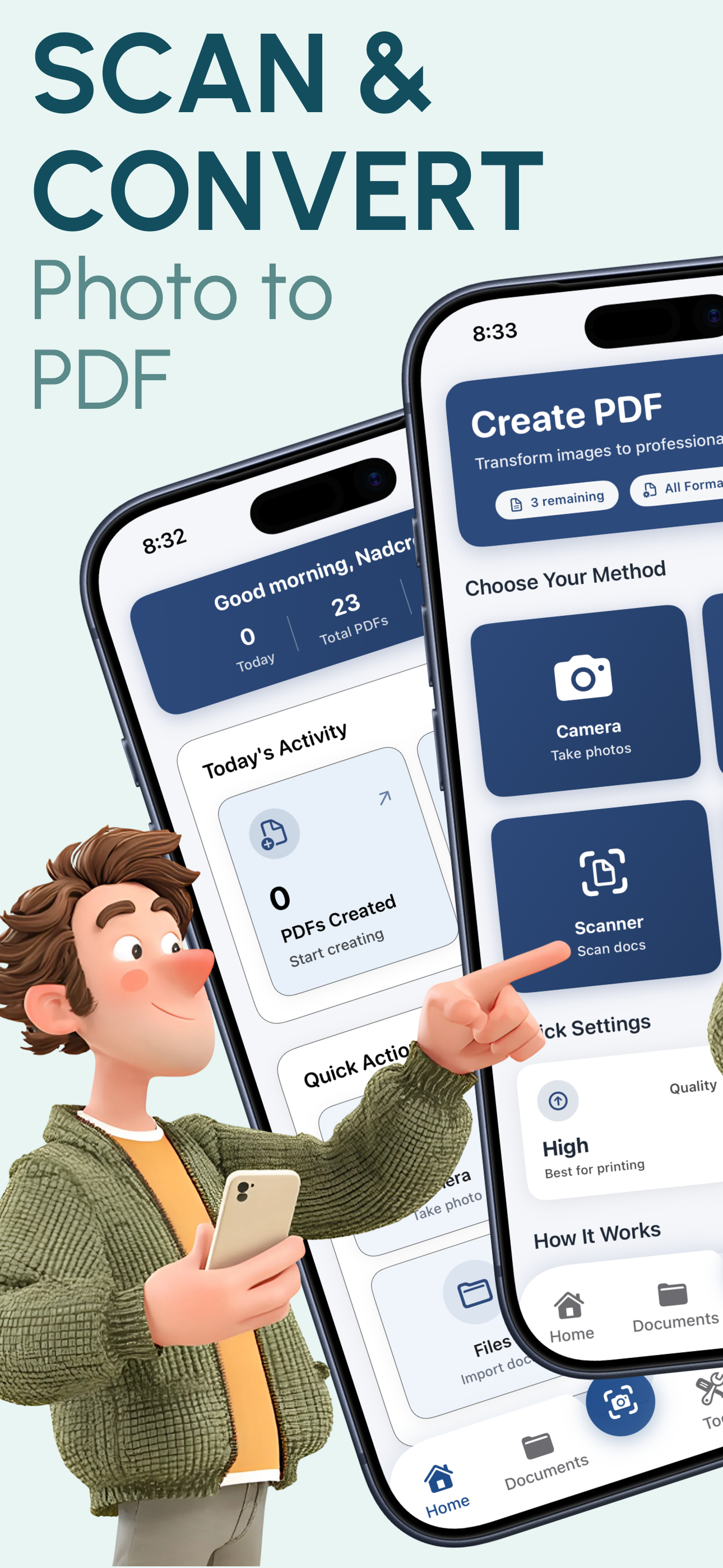
Turn any picture on your iPhone into a professional PDF document in just 3 taps. No technical knowledge needed. PixelPDF makes converting pictures to PDF free, fast, and incredibly easy for everyone.
★★★★★ 4.8/5 (2,847 reviews)
PixelPDF gives you all the tools to turn any picture into a polished, professional PDF document.
Select your pictures and tap convert. That's it. PixelPDF handles the rest automatically, creating a perfectly formatted PDF document in seconds.
Access your entire photo library directly from PixelPDF. Browse albums, search photos, and select the exact pictures you want to convert without switching apps.
Combine up to 50 pictures into a single multi-page PDF. Perfect for creating photo albums, document collections, or project portfolios from your pictures.
Choose from A4, Letter, Legal, or custom page sizes. PixelPDF automatically fits your pictures to the selected layout while maintaining proper aspect ratios.
Four quality levels let you balance file size and image clarity. Use Original for lossless quality or Low for smaller files perfect for emailing.
Share your converted PDF instantly via email, AirDrop, Messages, WhatsApp, or any app. Save to iCloud Drive, Google Drive, Dropbox, or the Files app.
Follow these 3 simple steps - no technical knowledge required
Open PixelPDF and tap the '+' button. Browse your photo library or take a new photo. Select one picture or up to 50 at once for a multi-page PDF.
Drag and drop to reorder your pictures. Choose your preferred quality level (Low to Original) and page size (A4, Letter, Legal, or custom).
Tap 'Convert to PDF' and your document is ready instantly. Share via email, AirDrop, Messages, or save to Files - all with a single tap.
Converting pictures to PDF with PixelPDF takes just 3 steps: Step 1 - Open PixelPDF and tap the '+' button to select pictures from your photo library or take a new photo. Step 2 - Arrange your pictures in the desired order and choose your quality and page size settings. Step 3 - Tap 'Convert to PDF' and your document is ready instantly. You can then share it via email, AirDrop, Messages, or save it to your Files app.
Yes! PixelPDF allows you to select up to 50 pictures at once and combine them into a single PDF document. Simply select all the pictures you want to include, use drag-and-drop to arrange them in your preferred order, and tap convert. Each picture becomes a separate page in the final PDF.
Not with PixelPDF. The app offers four quality levels: Low (smaller file size), Medium (balanced), High (great quality), and Original (lossless, preserves 100% of the original image quality). When you select Original quality, your pictures are embedded in the PDF at their full resolution with no compression or quality loss whatsoever.
PixelPDF supports all common picture formats including JPG/JPEG, PNG, HEIC (the default iPhone photo format), TIFF, WebP, BMP, and GIF. You can even mix different formats in the same batch - for example, combining HEIC photos from your camera with PNG screenshots into a single PDF document.
Yes, PixelPDF is completely free with no hidden costs. There are no ads, no watermarks, no subscription fees, and no per-conversion charges. All features including batch conversion, quality settings, and all page sizes are available at no cost. You get unlimited conversions forever.
After converting your pictures to PDF, PixelPDF gives you multiple sharing options through iOS's native share sheet. You can send the PDF via email, AirDrop to nearby Apple devices, share through Messages or WhatsApp, upload to cloud services like iCloud Drive, Google Drive, or Dropbox, or save it directly to your iPhone's Files app for later access.
Join 50,000+ iPhone users who use PixelPDF to convert their pictures to professional PDFs. Download now and convert your first picture in under 30 seconds.
4.8/5 stars - 2,847 reviews