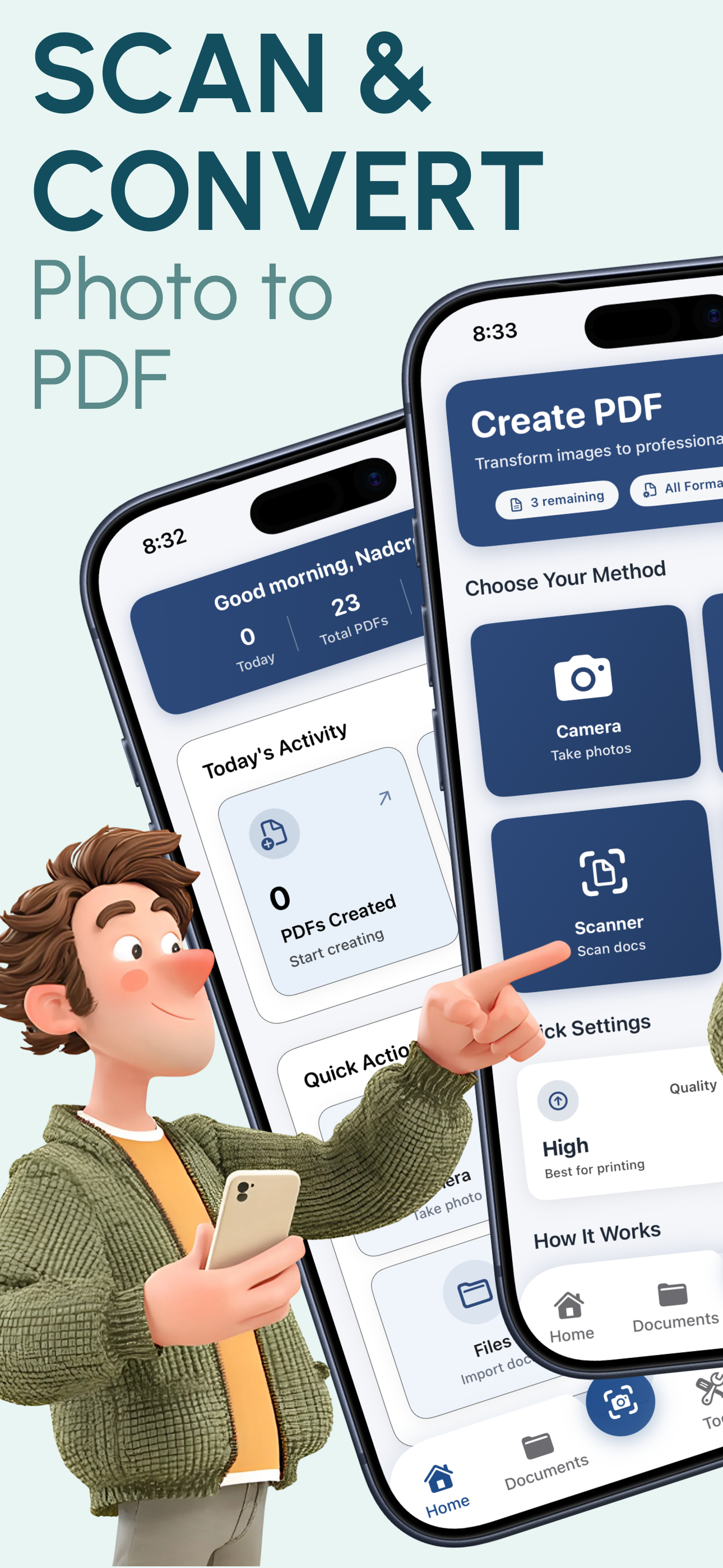
Stop paying for scanner apps that compromise your privacy. PixelPDF is the #1 rated free PDF scanner for iPhone with instant conversion, batch processing, and 100% offline privacy. No ads, no limits, no subscriptions.
★★★★★ 4.8/5 (2,847 reviews)
We compared dozens of scanner apps so you don't have to. Here's why PixelPDF comes out on top.
Capture photos from your camera, import from your photo library, or use existing images. One app handles every scanning scenario you'll encounter.
Four quality levels from compressed to original resolution. Preserve every detail of your documents with lossless conversion that rivals professional scanners.
No ads, no subscriptions, no in-app purchases, no watermarks. Every feature is available for free - forever. Save $120+/year compared to paid scanner apps.
Select up to 50 images at once and convert them all to a single professional PDF in seconds. Drag and drop to reorder pages before creating your document.
Everything happens on your device. No internet required, no data uploaded, no servers involved. Your documents stay completely private and secure at all times.
Convert images to PDF in under 2 seconds using optimized on-device processing. No waiting for uploads, server processing, or downloads. Instant results every time.
Scan and convert to PDF in 3 simple steps
Take a photo with your camera, select images from your photo library, or import from any source on your iPhone.
Choose your quality level, page size (A4, Letter, Legal), and arrange pages in your preferred order with drag-and-drop.
Tap convert and your PDF is ready instantly. Share via email, AirDrop, Messages, or save to Files - all in one tap.
PixelPDF is widely regarded as the best free PDF scanner app for iPhone in 2025. Unlike competitors such as Adobe Scan, CamScanner, or Genius Scan, PixelPDF offers unlimited scans, no watermarks, batch processing of up to 50 images, and complete offline privacy - all completely free with no ads or subscriptions.
PixelPDF stands out in three key areas: First, it processes everything offline on your device, so your documents never touch a server. Second, it is 100% free with no ads, subscriptions, or watermarks. Third, it supports batch processing of up to 50 images at once with drag-and-drop reordering, which most free scanner apps do not offer.
With PixelPDF, yes. Many paid scanner apps charge $4.99 to $9.99 per month for features like batch processing, high-quality output, and watermark-free PDFs. PixelPDF includes all of these features for free. The app uses Apple's native PDFKit framework to produce professional-grade PDFs that match or exceed the quality of paid alternatives.
PixelPDF offers four quality levels - Low, Medium, High, and Original - giving you full control over output quality and file size. On the Original setting, PixelPDF preserves 100% of the source image resolution, which matches or exceeds apps like Adobe Scan and Microsoft Lens. The High setting provides an excellent balance of quality and file size for most documents.
PixelPDF is the most privacy-focused scanner app available. All processing happens entirely on your device - your photos and documents are never uploaded to any server. Many popular scanner apps like CamScanner and Adobe Scan require cloud processing, meaning your sensitive documents pass through third-party servers. PixelPDF works completely offline, requiring no internet connection.
PixelPDF supports all major image formats including JPG/JPEG, PNG, HEIC (Apple's native format), TIFF, WebP, BMP, and GIF. It converts any of these formats into professional PDF documents. The app also supports multiple page sizes including A4, Letter, Legal, and custom dimensions to fit your specific needs.
Join 50,000+ iPhone users who switched to PixelPDF for faster, private, and completely free PDF scanning. Download now and scan your first document in under 30 seconds.
4.8/5 stars - 2,847 reviews