#1 PNG to PDF Converter for iPhone

Convert PNG to PDF on iPhone - Free

Transform PNG images into professional PDF documents while preserving transparency, lossless quality, and pixel-perfect detail. Perfect for screenshots, design files, graphics, and digital artwork. PixelPDF converts PNG to PDF instantly on your iPhone -- completely free and 100% private.

Download Free for iOS
★★★★★
4.8/5 - 500K+ users
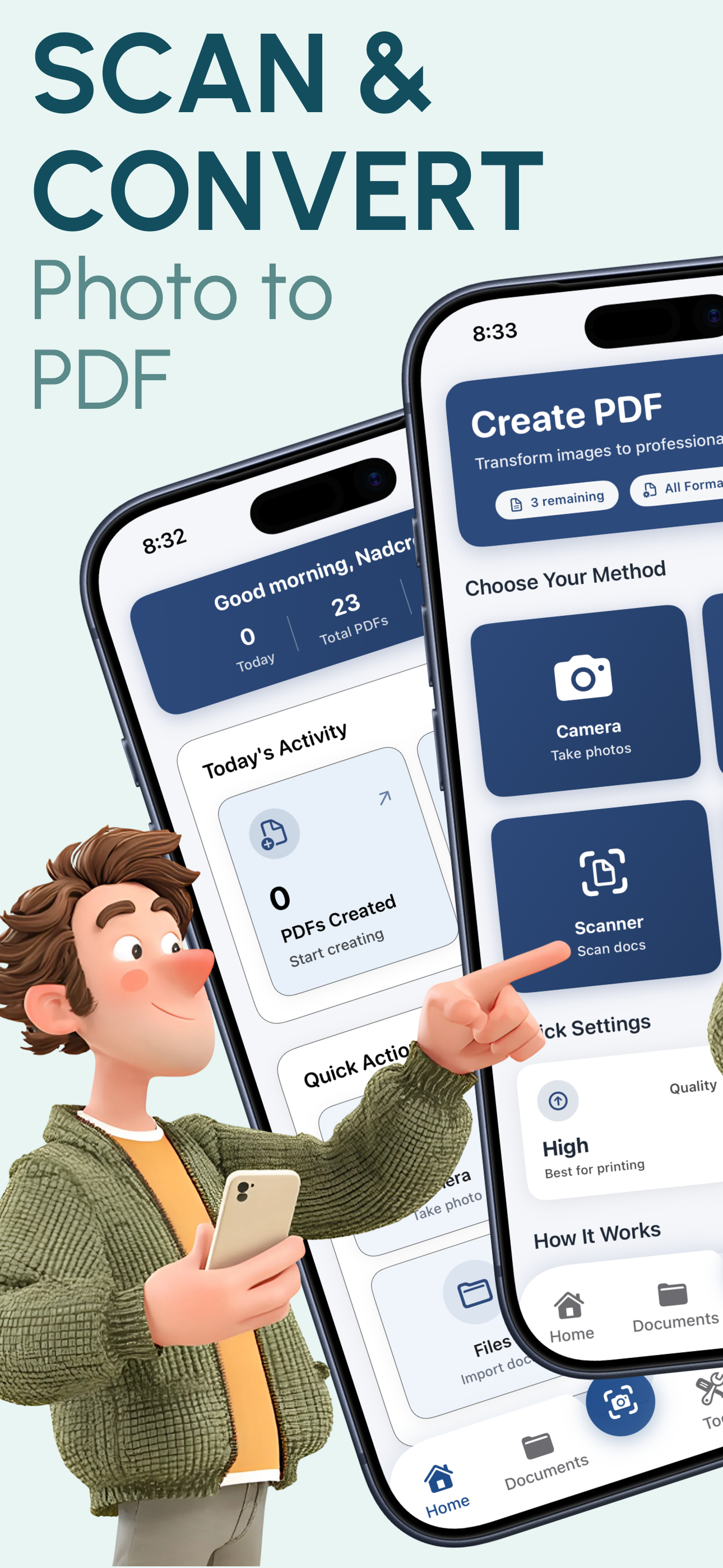
PixelPDF PNG to PDF converter app showing conversion interface on iPhone

Why PixelPDF is the Best PNG to PDF Converter

Transparency Handling

PixelPDF intelligently handles PNG transparency during conversion. Transparent backgrounds are preserved in the PDF output, making it perfect for logos, design assets, and graphics with alpha channels.

Screenshot Conversion

iPhone screenshots are saved as PNG files by default. PixelPDF converts them to PDF with pixel-perfect accuracy, preserving every detail of your captured screens for sharing and archiving.

Design File Support

Convert design exports, UI mockups, illustrations, and digital artwork from PNG to PDF. Ideal for creating design portfolios, client presentations, and professional documentation.

Batch PNG Processing

Select up to 50 PNG images at once and combine them into a single multi-page PDF document. Perfect for converting screenshot collections, design series, or graphic compilations efficiently.

Lossless Quality

PNG is a lossless format and PixelPDF respects that. Using the Original quality setting preserves every pixel of your PNG images in the PDF output with zero compression artifacts.

Smart Sizing

PixelPDF automatically fits PNG images to your chosen page size (A4, Letter, Legal, or Custom) while maintaining the original aspect ratio. No stretching, no distortion -- just perfectly sized PDFs.

How to Convert PNG to PDF in 3 Simple Steps

1

Select Your PNGs

Open PixelPDF and choose one or more PNG files from your Photos library, Files app, or take a new photo. Select screenshots, design files, or any PNG images you want to convert.

2

Choose Quality & Layout

Select your preferred quality level, page size, and orientation. Preview the PDF layout before converting. Reorder pages if you selected multiple PNG files.

3

Convert & Share

Tap convert and your PDF is ready in seconds. Share via email, AirDrop, or messaging apps. Save to Files, iCloud Drive, or any cloud storage service.

Frequently Asked Questions

Start Converting PNG to PDF Today

Join 500,000+ users who trust PixelPDF to convert their PNG images to professional PDF documents. Screenshots, designs, and graphics -- all converted with lossless quality, completely free and private.

Download Free for iOS
★★★★★

4.8/5 stars - 500,000+ downloads