#1 Document Scanner App for iPhone

Scan Documents to PDF on iPhone

Turn your iPhone into a powerful document scanner. PixelPDF captures receipts, contracts, paperwork, and any document with smart edge detection, automatic enhancement, and instant PDF conversion. 100% free, 100% private -- no cloud uploads required.

Download Free for iOS
★★★★★
4.8/5 - 500K+ users
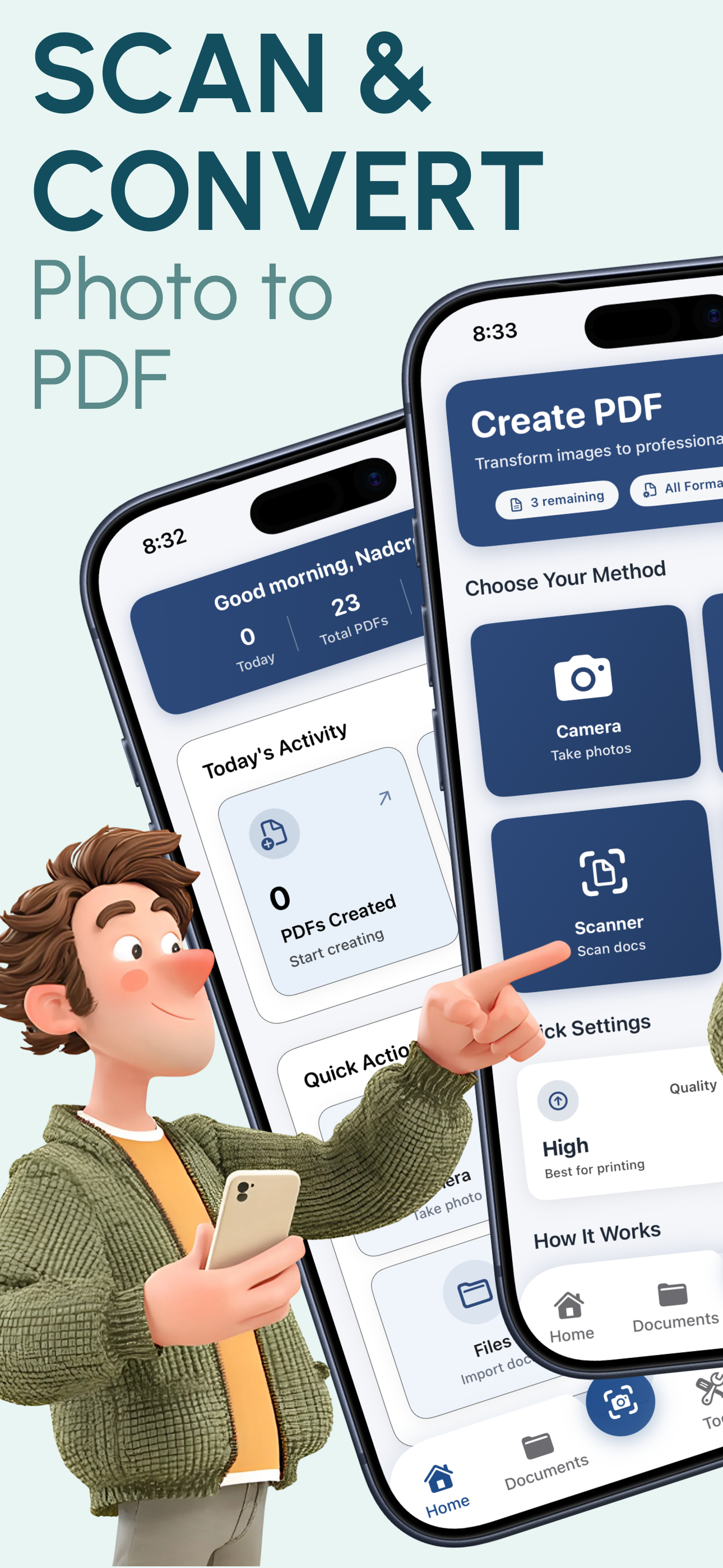
PixelPDF document scanner app showing scan to PDF interface on iPhone

Why PixelPDF is the Best Document Scanner for iPhone

Smart Document Detection

PixelPDF automatically detects document edges in your photos, ensuring precise capture every time. Point your camera at any document and the app intelligently identifies boundaries for a perfect scan.

Auto-Crop & Enhance

Scanned documents are automatically cropped, straightened, and enhanced with contrast and sharpness adjustments. Get clean, professional-looking PDFs without any manual editing.

Multi-Page Scanning

Scan multiple pages and combine them into a single PDF document. Perfect for multi-page contracts, reports, and paperwork. Reorder, add, or remove pages before generating your PDF.

Receipt Scanning

Quickly scan receipts, invoices, and bills to PDF for expense tracking and record keeping. PixelPDF optimizes small document captures for clear, readable results every time.

Contract Digitization

Digitize important contracts, agreements, and legal documents with high-fidelity scanning. Preserve every detail in crisp PDF format for secure storage and easy sharing.

OCR-Ready PDFs

Generate high-resolution PDFs that are ready for optical character recognition (OCR) processing. Capture documents with the clarity needed for text extraction and searchability.

How to Scan Documents to PDF in 3 Simple Steps

1

Capture Your Document

Open PixelPDF and use your iPhone camera to capture the document, or select existing photos from your library. Smart detection automatically finds the document edges.

2

Review & Enhance

Preview the scanned document with automatic enhancements applied. Adjust crop, rotation, and quality settings. Add more pages if needed for multi-page documents.

3

Convert & Share

Tap convert to generate your PDF instantly. Share via email, AirDrop, or messaging apps, or save to Files, iCloud Drive, or any cloud storage service.

Frequently Asked Questions

Start Scanning Documents to PDF Today

Join 500,000+ users who trust PixelPDF to scan and digitize their documents. Turn your iPhone into the ultimate document scanner -- free, fast, and completely private.

Download Free for iOS
★★★★★

4.8/5 stars - 500,000+ downloads