Secure ID & Passport Scanner for iPhone

Scan ID Cards & Passports to PDF

Capture crystal-clear scans of passports, ID cards, driver's licenses, and visa documents on your iPhone. PixelPDF delivers high-resolution PDF scans with automatic edge detection, glare reduction, and dual-side capture. 100% offline -- your identity documents never leave your device.

Download Free for iOS
★★★★★
4.8/5 - 500K+ users
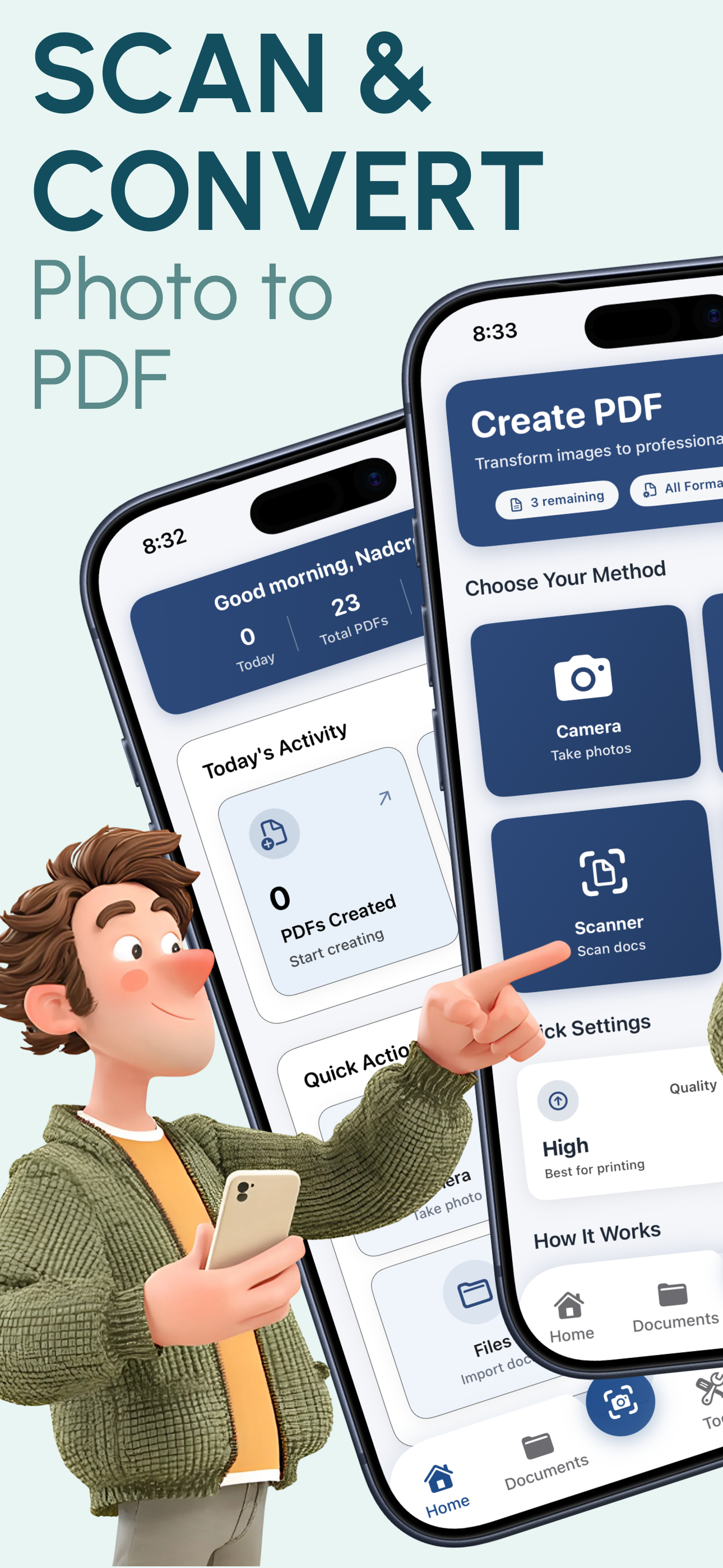
PixelPDF ID card and passport scanner app showing scan interface on iPhone

Why PixelPDF is the Best ID & Passport Scanner

High-Res ID Capture

Capture identity documents at full iPhone camera resolution. Every detail -- text, photo, holograms, and security features -- is preserved with exceptional clarity for official-quality PDF output.

Auto-Edge Detection

Smart algorithms automatically detect the edges of your ID card, passport, or license and crop precisely. No manual adjustment needed -- get perfectly framed document scans every time.

Glare Reduction

Laminated ID cards and passport pages often produce glare. PixelPDF's enhancement engine minimizes reflections and glare artifacts, producing clear scans even from glossy documents.

Dual-Side Scanning

Scan both the front and back of ID cards, driver's licenses, and residence permits into a single multi-page PDF. Keep all sides of your identity documents organized in one file.

Secure & Private

Your identity documents deserve maximum protection. PixelPDF processes everything 100% offline on your device. No cloud uploads, no server storage, no third-party access to your sensitive ID data.

Universal PDF Output

Generate standard PDF files that are universally accepted. Share your scanned ID documents with banks, embassies, employers, and institutions in the format they expect.

How to Scan ID Cards & Passports to PDF in 3 Steps

1

Position Your Document

Open PixelPDF and place your ID card, passport, or license on a flat surface. Use your iPhone camera to capture it, or select an existing photo from your library.

2

Auto-Detect & Enhance

PixelPDF automatically detects document edges, crops precisely, and enhances the image. Add the back side as a second page if needed for two-sided documents.

3

Convert & Share Securely

Tap convert to create your PDF instantly. Share via email, AirDrop, or messaging apps. Save to Files or iCloud Drive for secure access whenever you need it.

Frequently Asked Questions

Scan Your ID Documents to PDF Today

Join 500,000+ users who trust PixelPDF to securely scan their passports, ID cards, and identity documents. Fast, free, and completely private -- your documents never leave your device.

Download Free for iOS
★★★★★

4.8/5 stars - 500,000+ downloads